<div class="poh-badge">, listens to your tracker’s events, and gracefully handles SPAs and back-navigation.
Note that the badge does not display any results related to risk score. Instead, it determines success or failure based on whether the Proof of Human tracking is working correctly.
Quick start
We recommend adding the tracker and the badge script on the same page, with the badge script after the tracking script:poh-badge:
Styling
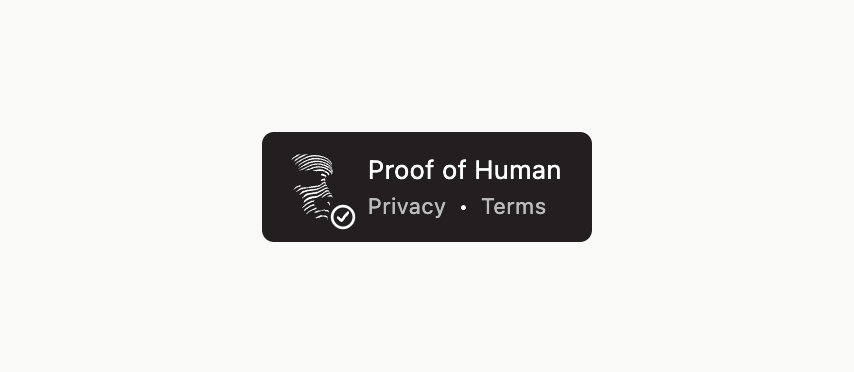
The badge renders inside a Shadow DOM, so your site’s CSS won’t break it (and vice-versa). By default, the badge is collapsed to show just the logo. On hover (or tap, on touch devices), it expands its width to reveal the “Proof of Human” text and links.State
At any given time, the badge is in one of three states:- Loading: shows a spinner and an animating progress bar while the tracker initializes and verifies Proof of Human is running.
- Pass: displays a check icon. This indicates that Proof of Human is running and gathering user data.
- Fail: displays an X icon in red. This indicates that Proof of Human is not running.
- Integrating Proof of Human for adding the tracker
- Accessing Session Data for using the session ID and scores